This bundle makes the most sense when you have a real use for both a personal finance dashboard and a separate organization space.
Two planning systems in one bundle
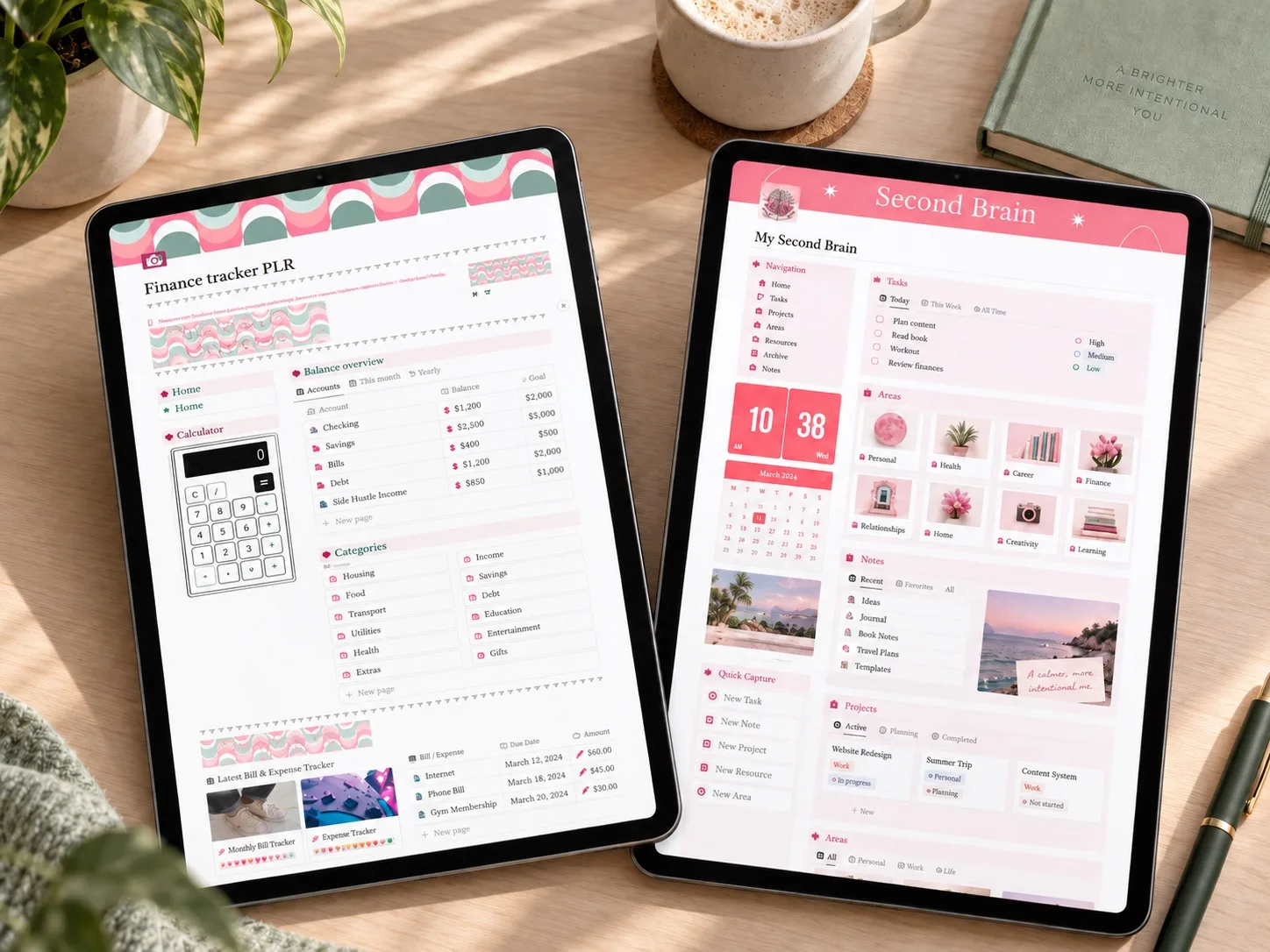
The PLR Second Brain & Finance Tracker is presented as a two-part Notion template bundle. One part is the focused finance tracker described above; the other is a pink Second Brain Notion template for organizing tasks, projects, notes, resources, and other personal information.
This makes it broader than a standard Notion budget template. The finance side supports a recurring money routine, while the second-brain side is intended to become a central personal organization dashboard. The product description does not make clear whether the two parts share connected databases, so it is best to think of them as two included components unless the current listing confirms otherwise.
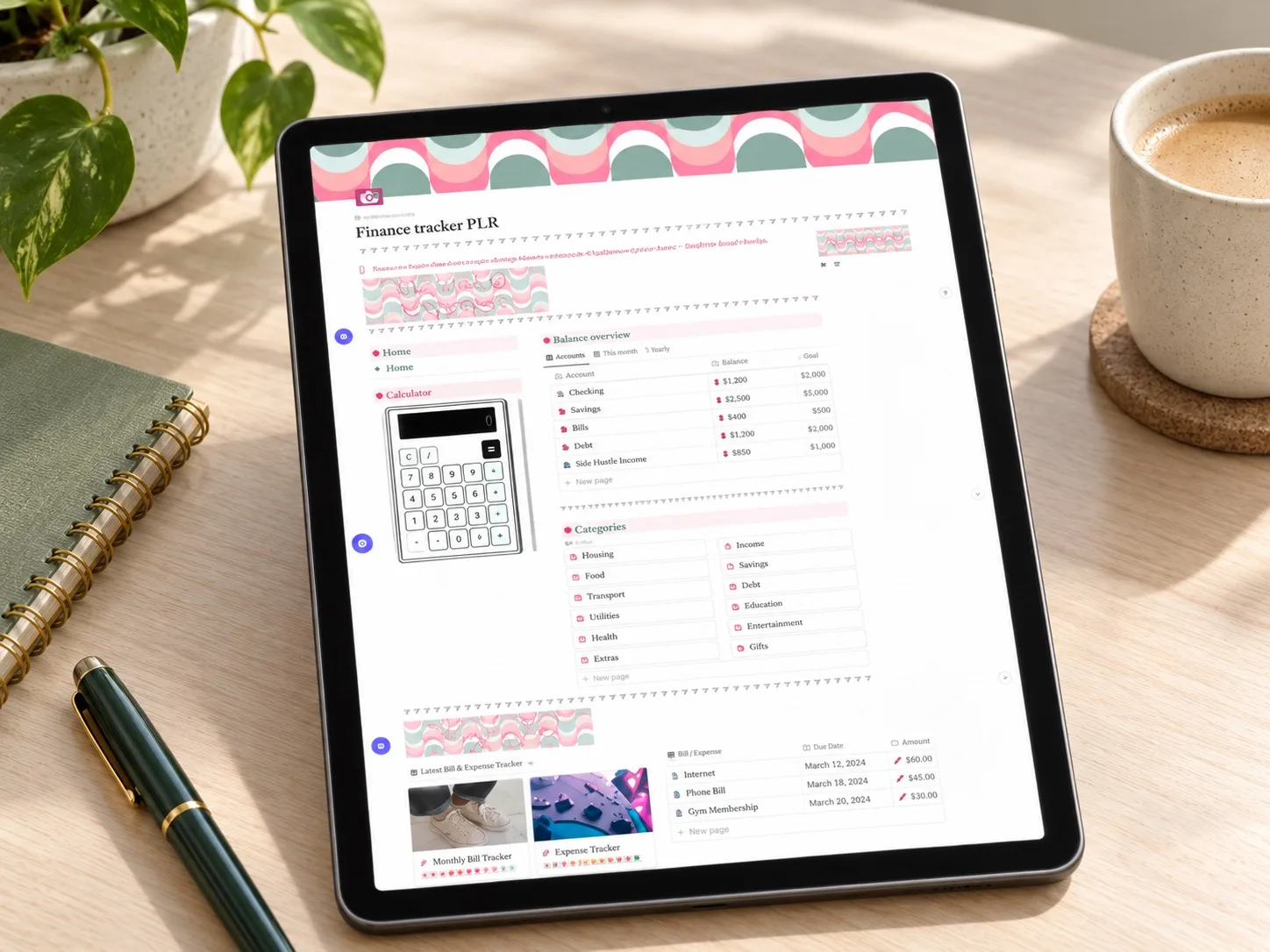
What the finance tracker includes
These features cover the same core use case as the focused PLR Finance Tracker: recording money coming in and going out, adapting categories, watching progress toward savings goals, and keeping future purchases visible.
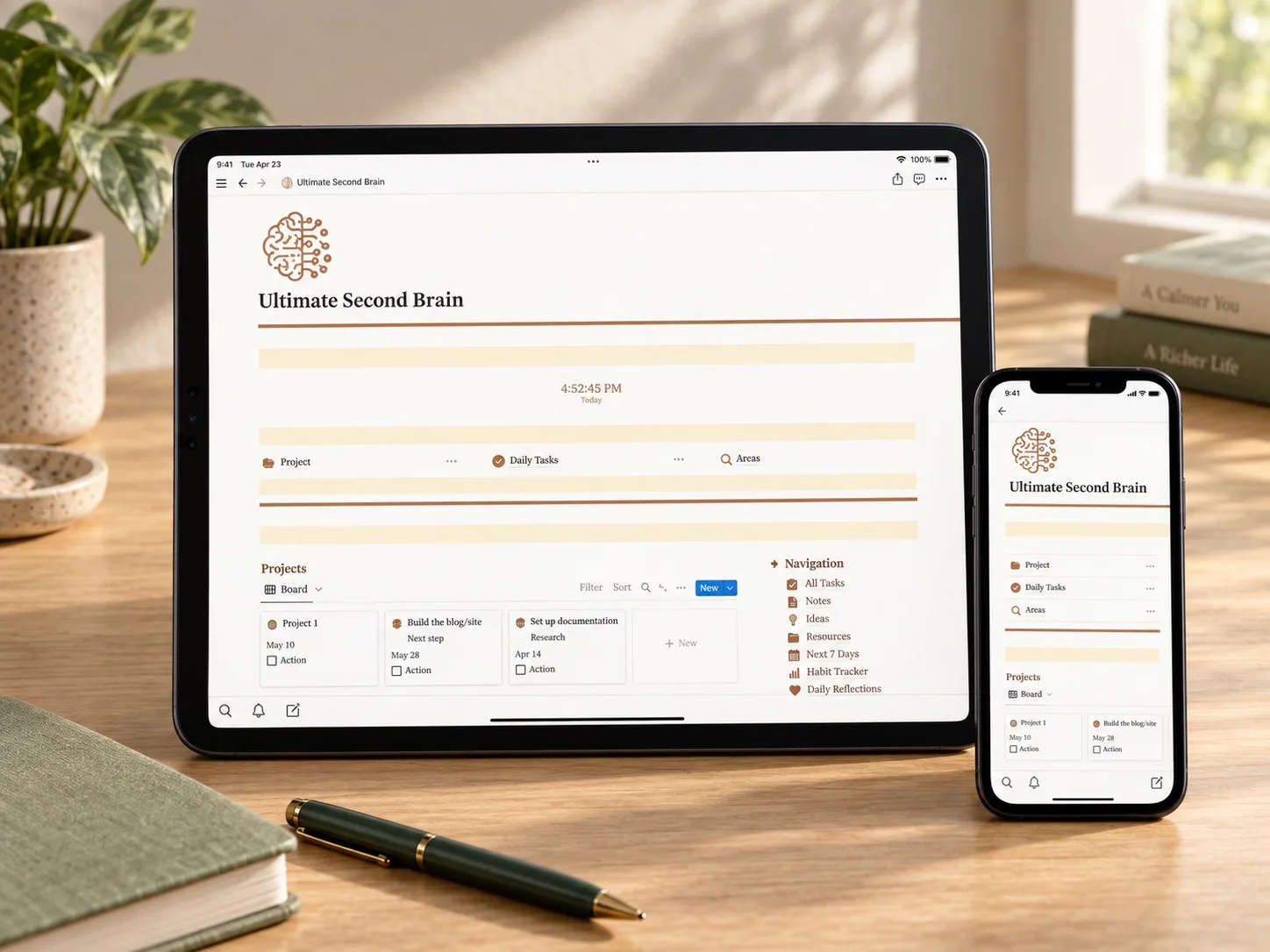
What the Second Brain adds
The second workspace uses a navigation bar and a collection of customizable databases. According to the product description, you can rename areas, add fields, enter your own information, attach files, and replace images. Changes made inside those databases are then reflected on the main dashboard.
In practical terms, that gives the bundle a place for more than money. Tasks, projects, notes, resources, and personal areas can sit inside one Notion personal organization system, with the dashboard acting as the starting point. That extra structure is valuable only if you plan to maintain it; otherwise, the focused finance tracker may be easier to keep current.
How the two parts could work together
You might use the finance tracker for a weekly income, expense, and savings review, then use the Second Brain for the actions that follow: cancelling a subscription, researching a purchase, planning a project, or saving a useful note. Before relying on that workflow, confirm whether the supplied templates actually link to each other or simply arrive together in the same bundle.
Who it may suit
This bundle may suit someone actively searching for both a Notion finance tracker and a Second Brain dashboard: for example, a freelancer balancing personal money and projects, a student organizing study and living costs, or anyone who wants finances beside a wider planning system. If your only goal is a ten-minute weekly budget review, the second-brain portion may add more maintenance than value.
What to verify before buying
- Read the latest reviews, not only the average score.
- Confirm exactly what file is delivered and where the Notion duplication link appears.
- Check whether the finance tracker and second brain are separate templates or one connected workspace.
- Review the specific PLR and resale terms instead of assuming the title grants unlimited rights.
- Confirm that the visual style and required maintenance match your routine.
Explore this template
Review the current product description, included files, price, and exact PLR or resale license before deciding whether both parts fit your workflow.
View the planner details →Written by Calm Budgets