A focused option to consider when you want an income and expense tracker without maintaining a larger life-planning workspace.
A focused Notion finance tracker
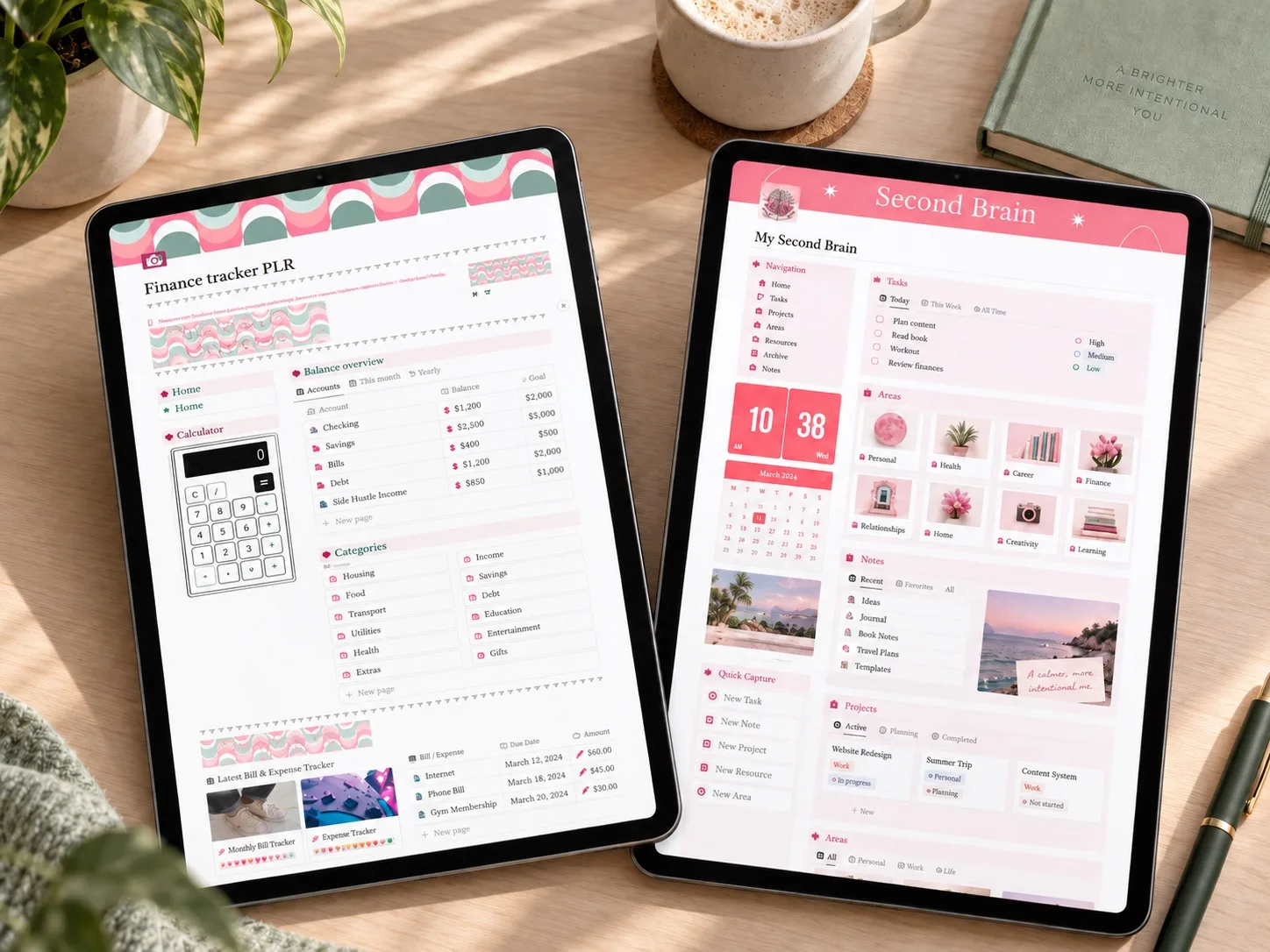
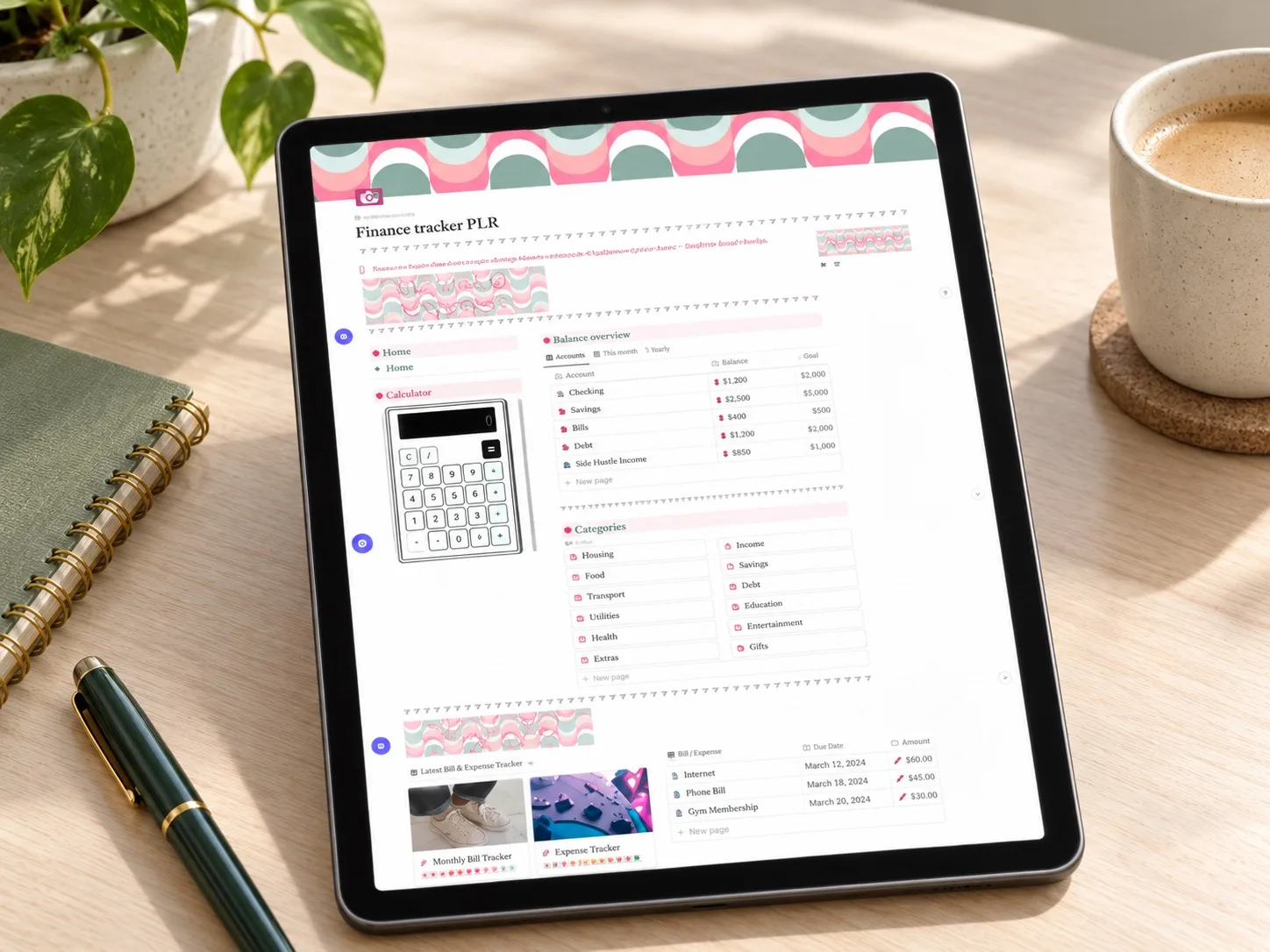
The PLR Finance Tracker is a compact Notion budget template built around the parts of personal finance that need regular attention: income, expenses, savings goals, and upcoming purchases. Instead of placing money inside a large life-management workspace, it keeps the financial routine at the center.
That narrower scope can be useful if you want a personal finance dashboard for a weekly money check-in rather than a complex system for projects, habits, notes, and long-term knowledge management.
What the template includes
The product description says the template can be duplicated into Notion and adapted to your own categories. The combination of an income and expense tracker, savings tracker, task list, and wishlist is designed to keep both current spending and future goals visible in one place.
How it could fit a weekly budget routine
A useful rhythm would be to record new income and expenses during the week, then review the dashboard at one fixed time. During that review, you could recategorize unclear transactions, update a savings goal, and choose one money task for the next seven days. The wishlist can act as a waiting area for planned purchases instead of letting them disappear into everyday spending.
This does not replace the decisions behind a budget, but it may make those decisions easier to see. The template is most relevant to readers searching for a simple Notion expense tracker, budget planner, or savings tracker without the overhead of an all-in-one second brain.
Who it may suit
Of the current candidates, this is the most focused on money tracking. It may suit someone building a first digital budget, restarting after an inconsistent spreadsheet, or wanting one smaller workspace for a weekly finance review. It is less compelling if you already maintain a detailed accounting system or want finances connected to projects, notes, and other life areas.
What to verify before buying
- Confirm the delivered file contains a working Notion duplication link.
- Check whether recurring bills or upcoming payment views are included.
- Review how savings progress is entered and displayed.
- Confirm categories can be edited without breaking the intended views.
- Read the exact PLR and commercial-use terms for this item.
Explore this template
Review the current product description, included files, price, and license terms before deciding whether the template fits your routine.
View the planner details →Written by Calm Budgets