This is the broadest of the three templates: personal finance is one section inside a larger system for tasks, projects, notes, health, study, and work.
One dashboard for several parts of life
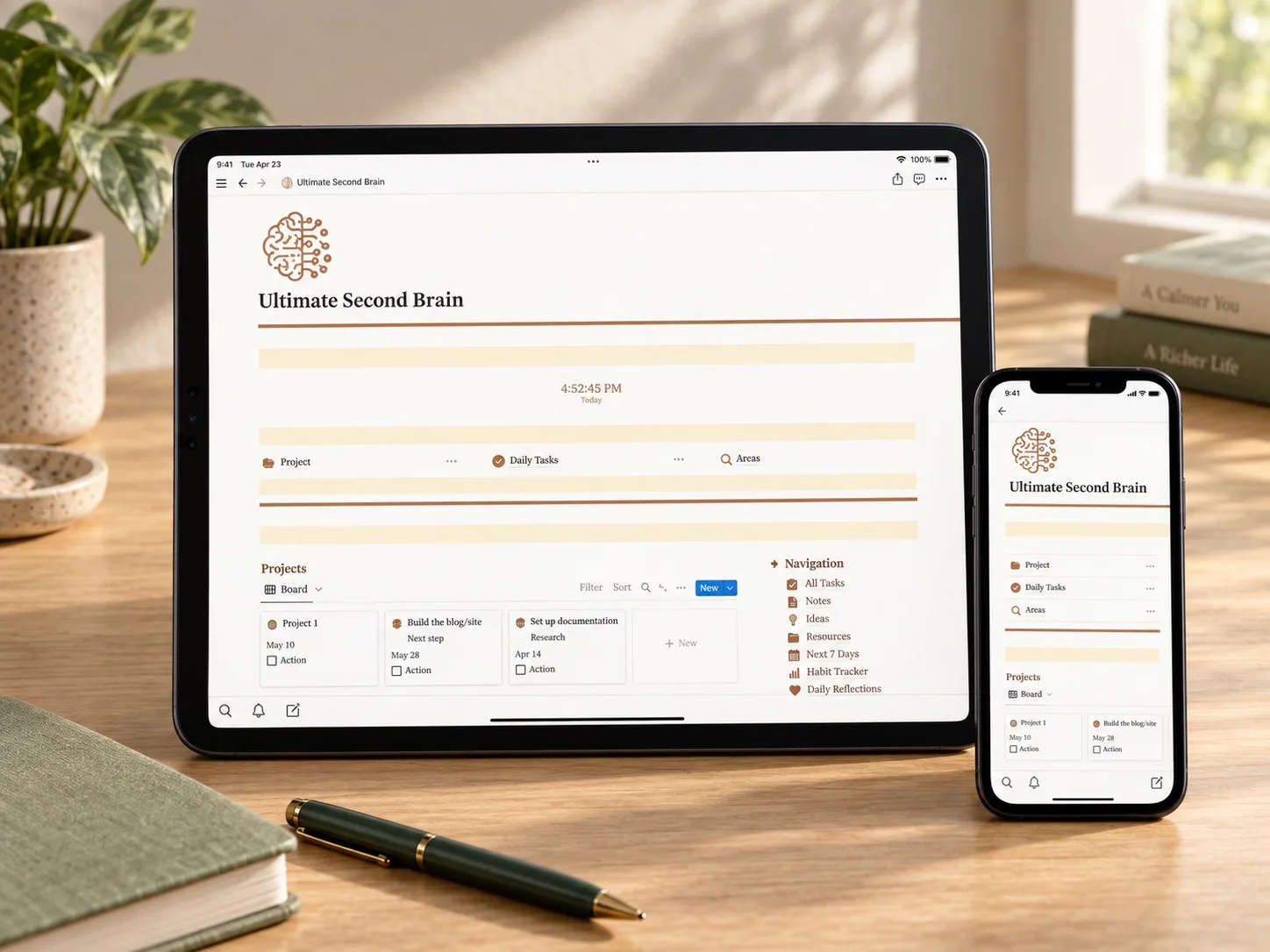
The Notion Ultimate Second Brain is a light-mode, multi-page workspace for people who want daily planning, projects, reference material, personal goals, and finances in one place. Compared with the two finance-led products, this is a broader Second Brain Notion template: money is one area inside a larger personal organization system.
Its cream-and-brown color-coordinated design keeps the workspace visually consistent across desktop and mobile layouts. The product description also says users can add custom sections, making the dashboard adaptable to different work, study, and personal routines.
What the template brings together
How it could support a daily routine
The central dashboard can act as a starting point for the day: capture something in the inbox, review priorities, check tasks due during the next seven days, and open the relevant project or area. Notes and resources provide a place for information that should remain useful after an individual task is complete.
That structure may appeal to readers searching for an aesthetic Notion daily planner, project and task manager, habit tracker, or personal finance planner inside one workspace. The trade-off is maintenance: a large dashboard only remains useful when its sections are reviewed and updated consistently.
Who it may suit
This template may suit a freelancer managing clients and personal projects, a student combining assignments with everyday planning, or someone who wants a single all-in-one Notion dashboard rather than several smaller templates. It is a weaker match for a reader who only needs a clean budget or expense tracker.
What the listing says you receive
The product is described as an instant digital download. After purchase, the supplied PDF contains a link to the Notion template; the workspace can then be duplicated before customization begins.
What to verify before buying
- Check which pages are connected and which are standalone.
- Confirm what the personal finances planner actually tracks.
- Review how much setup is required after duplication.
- Decide which sections you would use every week and which you would remove.
- Read current reviews for access, duplication, and support issues.
Explore this template
Review the current product description, included pages, price, access instructions, and license terms before deciding whether the full workspace fits your routine.
View the planner details →Written by Calm Budgets