A focused option for a single shop owner who wants orders, pricing, and content ideas together, rather than a broader life-organization system.
A Notion dashboard built around one shop
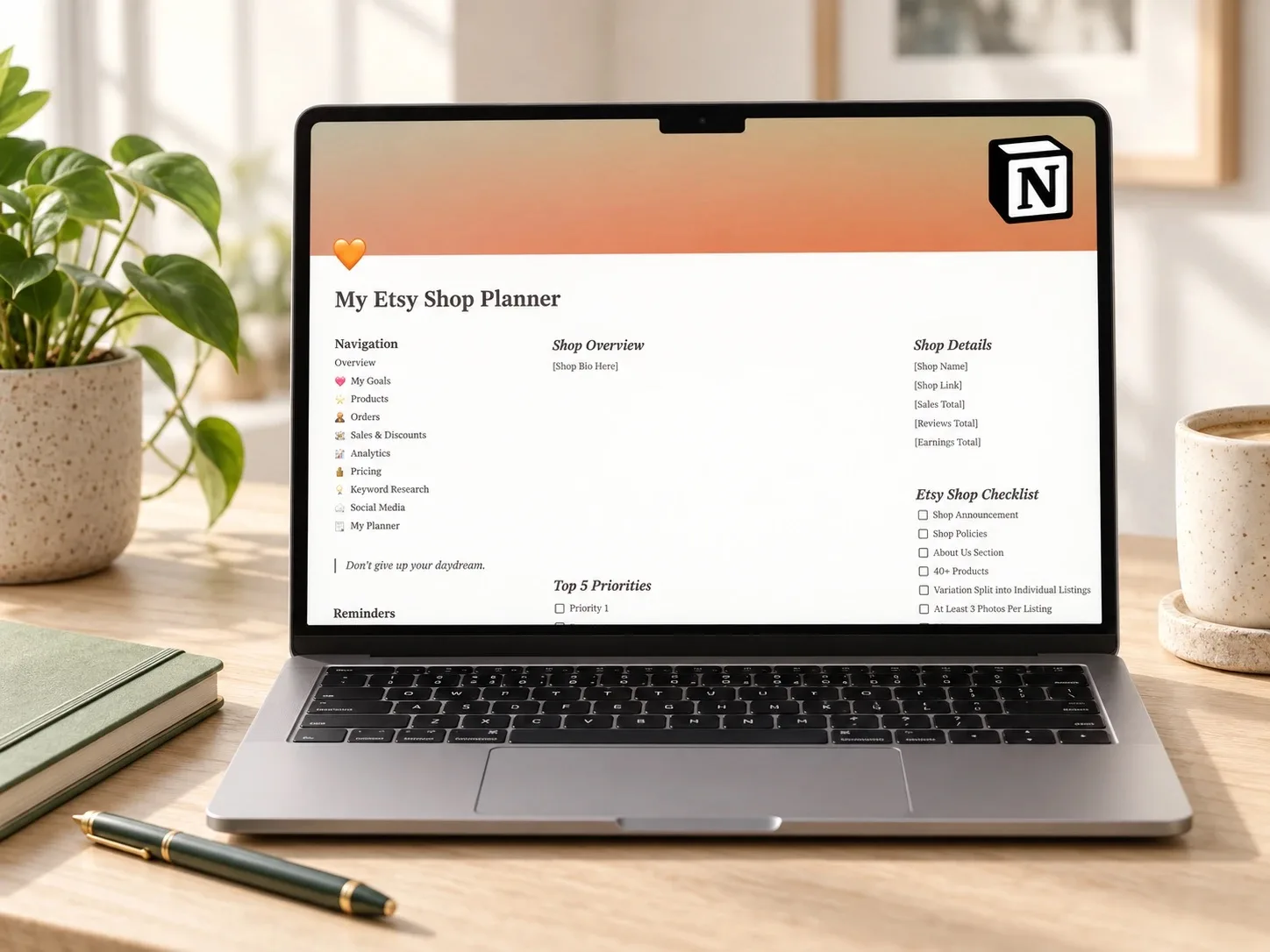
The Etsy Shop Dashboard is a Notion small business planner built around the daily and weekly parts of running a handmade or print-on-demand shop: goals, products, orders, pricing, and content. Instead of a general life-organization workspace, it keeps the shop itself at the center.
That focus can be useful if you want one place for the parts of the business you check often, rather than spreading them across a notes app, a spreadsheet, and the platform's own analytics page.
What the template includes
The product description presents these as sections of one connected dashboard, fully customizable and usable on the go. The combination of order tracking, pricing, keyword research, and social media planning is designed to keep the operational and the promotional side of a shop in the same workspace.
How it could fit a weekly shop routine
A useful rhythm would be to check pending orders early in the week, review current sales and discounts mid-week so nothing runs longer than planned, and consult the pricing and keyword sections before publishing a new listing. The Social Media section can hold content ideas as they appear, instead of letting them disappear into a separate notes app.
This does not replace the decisions behind running a shop, but it may make those decisions easier to see in one place. The template is most relevant to readers searching for a small business planner, an Etsy seller planner, or a single dashboard that covers orders, pricing, and content together.
Who it may suit
This template is aimed squarely at a single shop owner who wants orders, pricing, and content ideas in one connected space, rather than someone who wants finances, studies, and personal projects in the same system. It is less useful if you already run a dedicated accounting tool or a specialized inventory system and only want a lighter add-on.
What to verify before buying
- Confirm the delivered file contains a working Notion duplication link.
- Check that the Orders and Sales and Discounts views match how your shop actually tracks a sale.
- Review how the Analytics Tracker and Pricing Guide expect data to be entered.
- Confirm sections can be renamed or removed without breaking other views.
- Read the exact license and commercial-use terms for this item.
Explore this template
Review the current product description, included sections, price, and license terms before deciding whether the template fits your shop.
View the planner details →Written by Calm Budgets