You only need three things: an up-to-date picture, a look at the next seven days, and one action you can actually take.
A money check-in is easier to return to when it has an ending. Fifteen minutes gives you enough room to notice what changed, without turning a quiet Sunday into an afternoon of reorganizing spreadsheets.
You can use a notebook, a spreadsheet, or a Notion page. Pick one place for your notes and keep it open throughout the review. If Sunday is busy, use any repeatable point in your week: the routine matters more than the day.
Minute 1–3: bring the numbers together
Open the accounts or records you use most often. Update only the figures needed for the review: current balances, recent transactions, and any bills that changed. This is not the time to redesign the system.
Give each note a date. If a transaction is still pending or a figure needs checking, label it rather than guessing. The next review should make it obvious which numbers are current and which still need your attention.
Minute 4–8: review what changed
Scan recent spending for anything unexpected. Correct obvious errors, note one category that needs attention, and move on. The aim is awareness, not a perfect audit.
A useful observation is specific: “The annual software renewal appeared this week” tells you more than “I spent too much.” Keep a short note about one-off costs so you can distinguish them from recurring changes.
Minute 9–12: look at the next seven days
Check bills, planned purchases, and the next income date. If timing creates a problem, decide on one adjustment now rather than carrying the uncertainty into the week.
Read your calendar alongside the numbers. A birthday, a trip, or an appointment can explain an upcoming expense that a transaction list cannot show yet. Add the date and a note to check the amount if it is not known.
Minute 13–15: choose one action
End with one specific action: transfer a fixed amount to savings, cancel a subscription, schedule a payment, or set a spending limit for one category. A review becomes useful when it changes the next decision.
Write the action as something you can finish: “Check the renewal date on Tuesday” is clearer than “Be better with subscriptions.” If you have several tasks, keep the rest in a separate list so the review still ends on time.
Your review, on one small page
Upcoming bills
One savings goal
New categories
Perfect historical cleanup
If you want a ready-made tracker
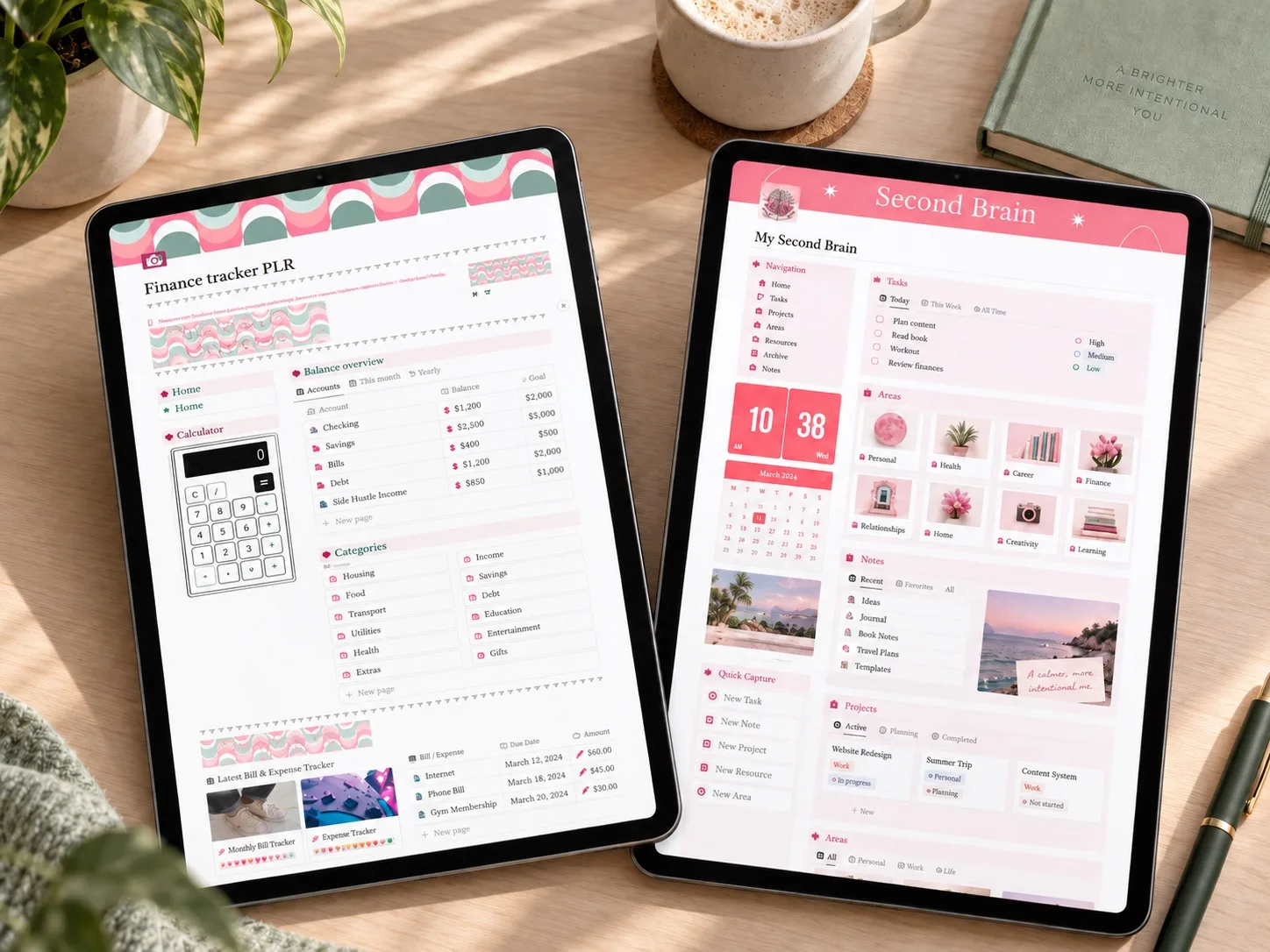
A template should make the information easier to find, not add another page you have to maintain. Compare these two against the four things this review actually asks for: balances, recent spending, upcoming bills, and one savings goal.
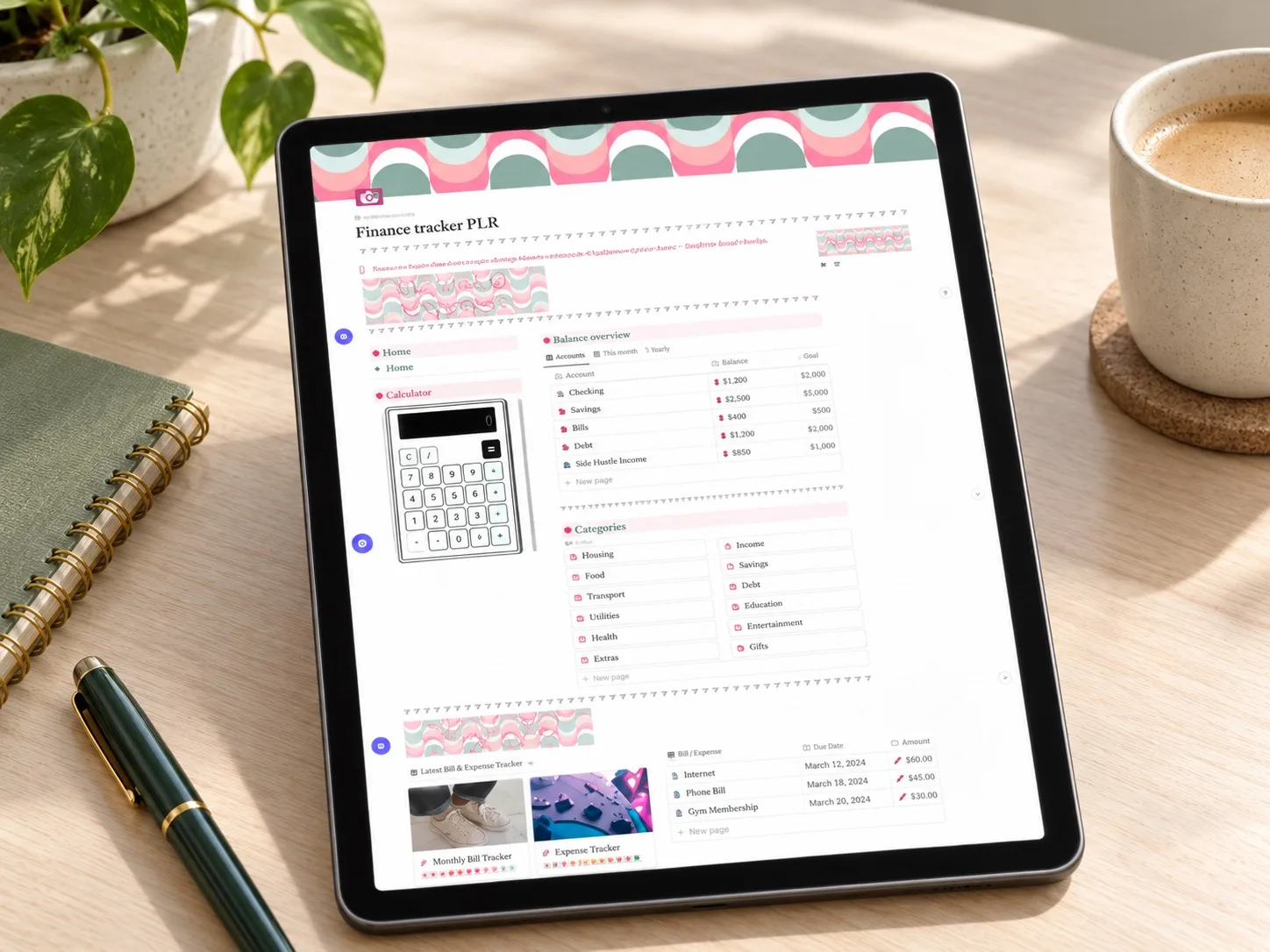 Focused finance
PLR Finance Tracker
Income, expenses, customizable categories, a savings tracker, and a wishlist. A close match for a review built around balances and one savings goal.
Read the planner guide → Bills and subscriptions
Finance OS Tracker
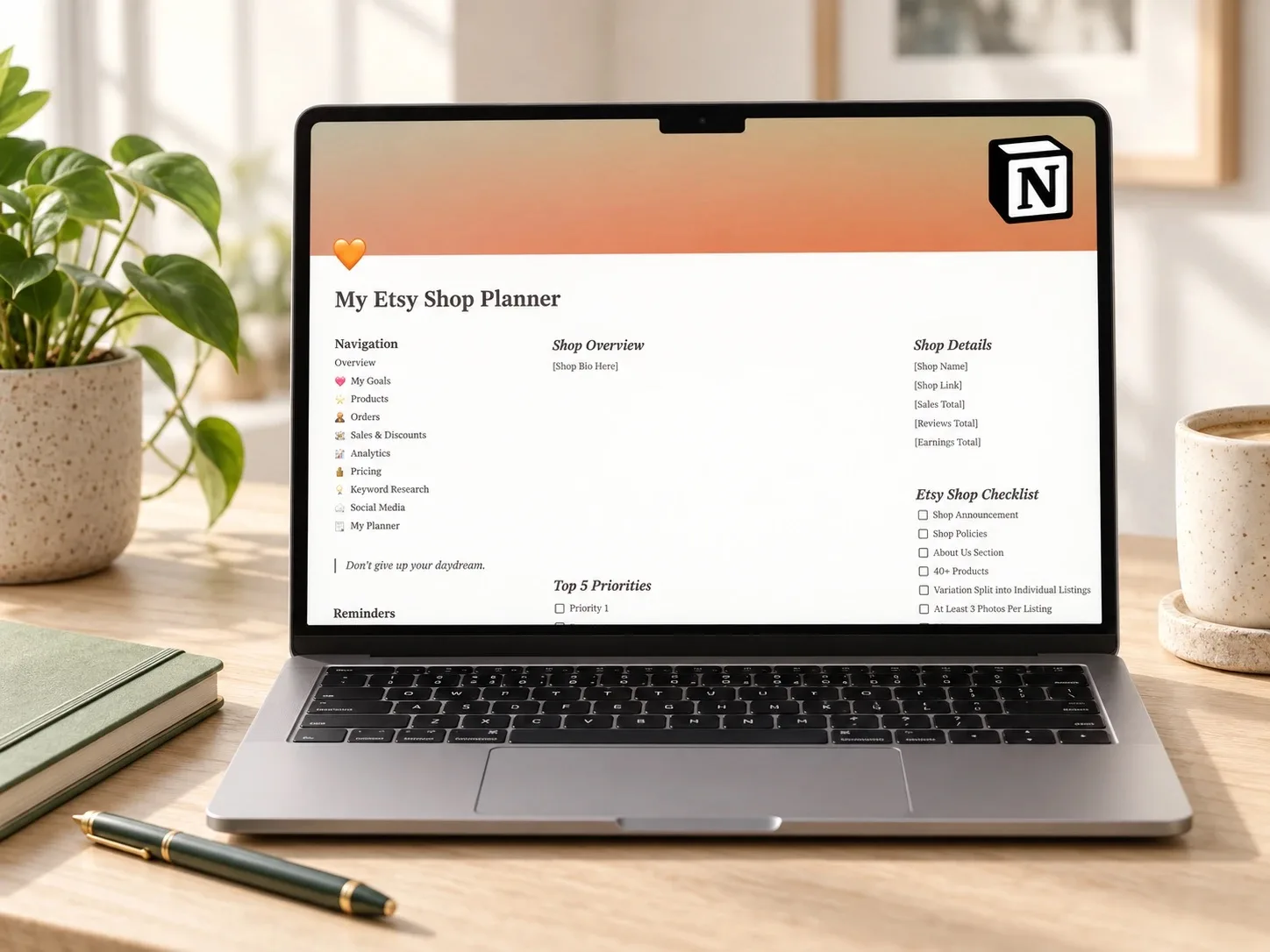
Adds a subscription tracker with renewal dates, which lines up with the "what is coming" part of this review. This is a newer listing with no reviews yet, so verify it yourself before choosing it.
Read the planner guide →Make next week easier
Leave your review page somewhere easy to reopen and decide when you will return. If you miss a week, begin with the current picture and the next seven days. Any older cleanup can be a separate task.
After a few check-ins, notice what you actually use. Remove fields that never help you make a decision. A smaller routine that stays current is easier to trust than a detailed dashboard you no longer open.
Save the idea for later
A small reminder for your next planning session.
Save to Pinterest
Written by Calm Budgets